Description
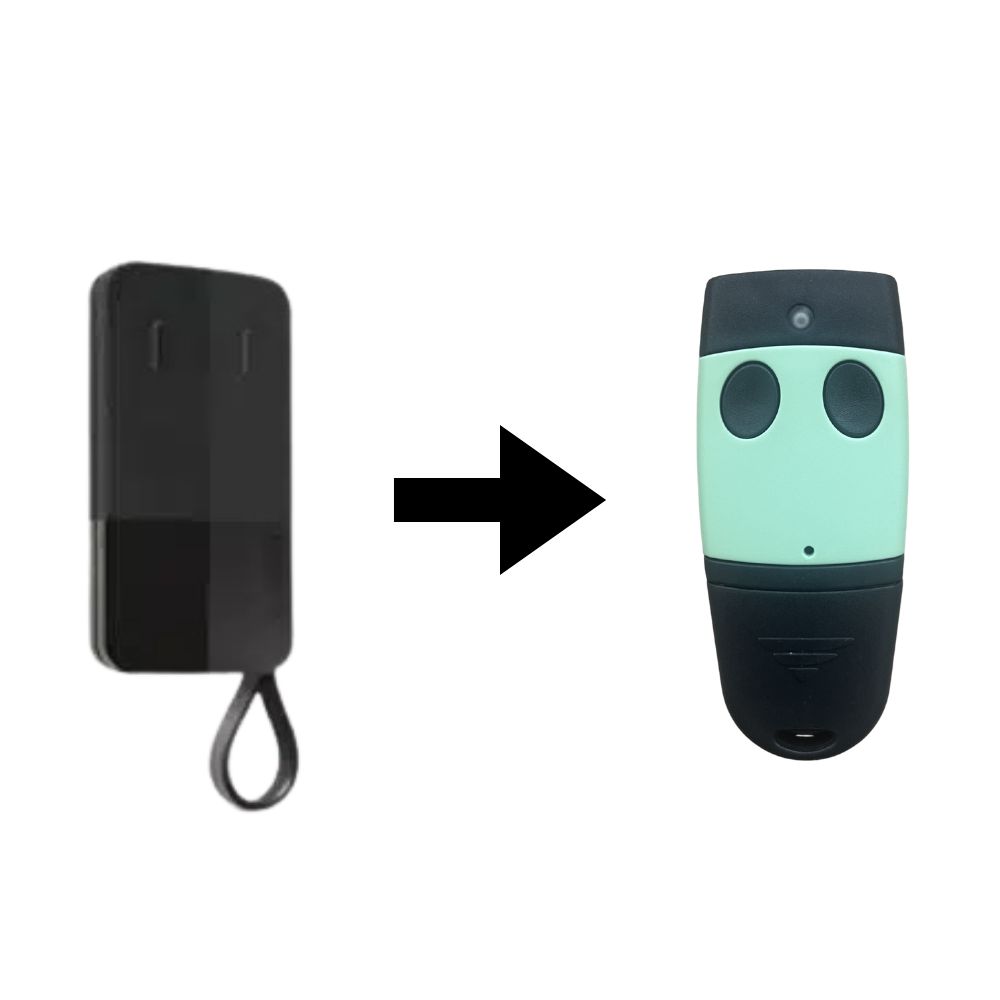
Note: The TELCOMA EDGE 2 has visually changed. It is now green on the front side.
Get the TELCOMA EDGE 2 on Alloremotecontrol. Made by the manufacturer TELCOMA, it is a discreet remote control equipped with two channels. Get it now on our site!
Presentation of the TELCOMA EDGE 2 Remote Control
The remote control for gates and garage doors allows you to easily control your motors and security systems. A gate remote will operate at different frequencies that you should not overlook when making your purchases: the TELCOMA EDGE 2 remote operates at a frequency of 433.92 MHz.
It is equipped with a programmable black casing via self-learning, a simple and effective programming technique. With self-learning, your programming has never been faster. With your new remote and your old one, easily program by following the instructions in your programming manual. It operates with CR2016 batteries at a frequency of 433.92 MHz.
The TELCOMA EDGE 2 remote with 2 channels is a durable transmitter, perfectly suited for residential use: indeed, it is a remote that has satisfied many users due to its ease of use and simple, quick programming. It is user-friendly, requires no additional equipment, and is small and lightweight, making it easy to handle daily. It is the ideal accessory for controlling your door, gate, and garage door automation.
The TELCOMA company was established in 1985 with defined objectives: to become one of the leaders in the production and design of automation control systems. All products in the TELCOMA range are manufactured with the aim of best meeting the expectations of customers and users. TELCOMA products are all made in compliance with current European standards.
Programming Your New TELCOMA EDGE 2 Remote
Since your TELCOMA EDGE 2 remote benefits from self-learning programming, the programming steps have been simplified to allow for even easier and faster programming. To program your remote, carefully follow the instructions below:
1st step: Open the casing of your receiver (it must be compatible with your TELCOMA EDGE 2 remote). Your receiver should be located near your motor.
2nd step: On your receiver\’s board, press the programming button P1, located at the top left of your board, until the receiver\’s LED blinks rapidly.
3rd step: Press any button on your TELCOMA EDGE 2 remote (the button you press will be the one used to control your automation). Hold this button down until the LED on your receiver stops blinking and becomes steady. Wait about 5 seconds until the LED on your receiver starts blinking again: you can now release the button.
4th step: Wait about 10 seconds, and your TELCOMA EDGE 2 remote will be programmed and ready for use.
Design and Ergonomics: A Remote of Choice
This remote is designed with an elegant and modern look, making it a top accessory for your gate motors. Its innovative shape allows for excellent grip and superior comfort. The TELCOMA EDGE 2 model features 2 blue buttons: the model with black buttons is not the TELCOMA EDGE 2 model; they will not be compatible with each other.
Remotes on Alloremotecontrol.com
As a guarantee of quality and to fully satisfy its customers, Alloremotecontrol offers a one-year warranty on all its products. Even better, you can opt for a second year of additional warranty at the time of placing your order (see T&Cs).
Your order will be shipped within 24 hours to quickly provide you with your new accessory.

 Fast delivery !
 Batteries* and instructions included
 Technical service at your service
 14 days to change your mind