Description
ATTENTION: this color is no longer available, we will deliver the model ECCO5 WO as a replacement, only the color changes.
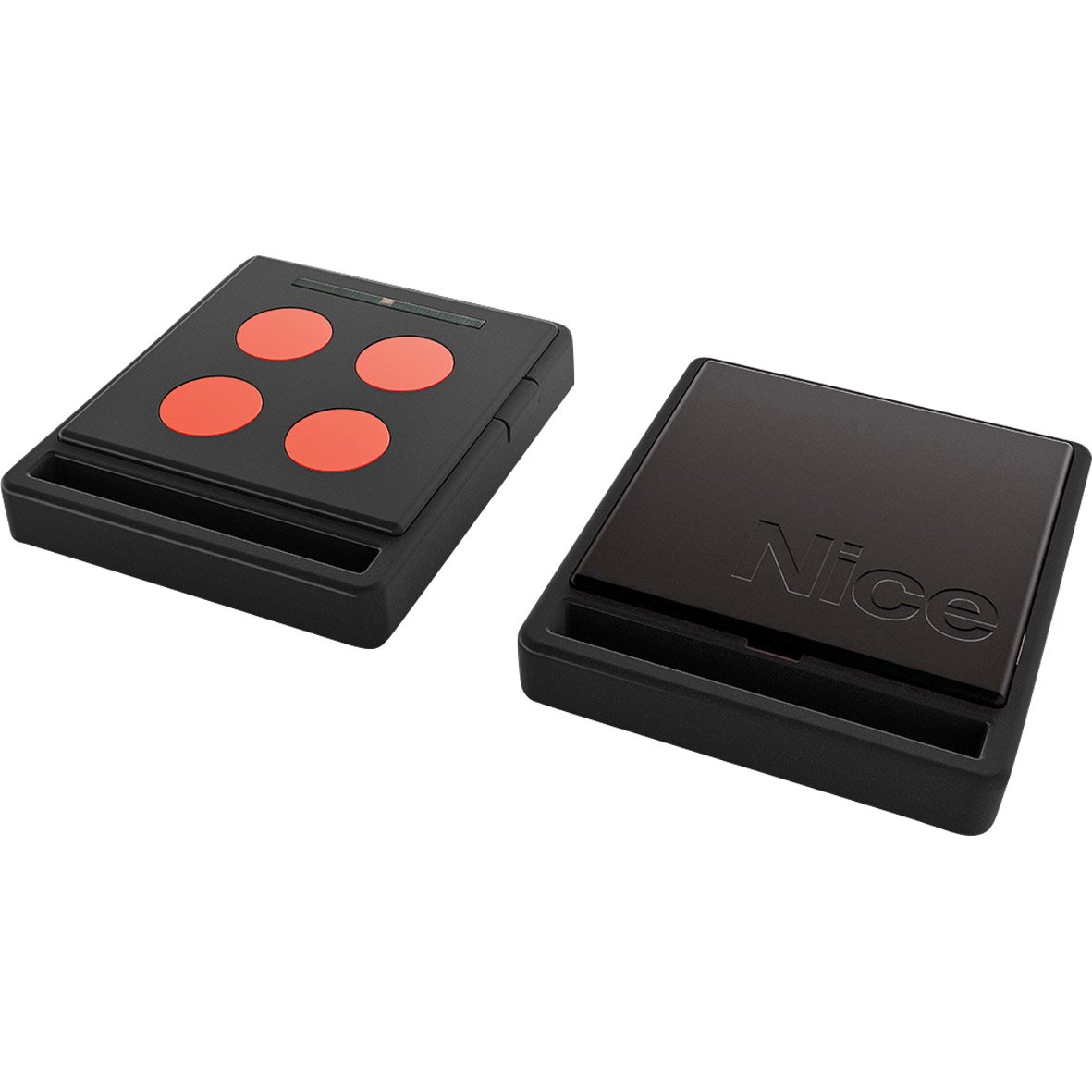
Control your automation systems with ease using the NICE HOME ECCO5 WR remote control. With the very user-friendly NICE HOME ECCO5 white remote, with its pink buttons, managing your motors and controlling NICE HOME systems will become incredibly easy. Programming is done simply by following the procedure described in the manual, provided with your remote or downloadable from our site.
Presentation of the NICE HOME ECCO5 Remote Control
Buy the new remote control NICE HOME ECCO5 WR in white with its pink buttons, designed for controlling various NICE HOME systems; new generation NICE automation and motors.
With the four different buttons on this device, you can control four different automations. Moreover, its lifespan is ensured by 2 lithium batteries of 3 V.
To program this new remote control NICE HOME ECCO5, it’s as easy as following the instructions provided with the product and programming it through self-learning. A robust and reliable remote control, it will satisfy you and meet all your remote control needs. Additionally, it has a sturdy attachment to easily join your keychain.
With your new remote control NICE ECCO5, you can control all the motors in the NICE HOME range, without any difficulty.
Programming the NICE HOME ECCO5 White and Pink Remote Control
How to register a new remote control from an already operational remote control? (in four steps)
The operation is done by positioning yourself next to the motorization (the radio receiver).
- First, on the new remote control, press and hold the T1 button for at least 5 seconds. Then, release it.
- Next, on the already operational remote control, press the T1 button slowly three times. Press for 1 second, release for 1 second, 3 times.
- Then, hold the T1 button on the new remote control for 1 second.
- Finally, release it, then wait ten seconds before testing your new remote control.
For more information, please consult the programming manual in PDF by clicking here.
FAQ for the NICE HOME ECCO5 White and Pink Remote Control
Can you tell me more about the NICE brand?
Founded in the 1990s, NICE is a reputable company. It is among the best in the field of automation system design. Finally, NICE also offers automation for controlling blinds, vertical blinds, and roller shutters. Furthermore, the products, accessories, and services offered by NICE simplify your life while guaranteeing you unparalleled comfort in your home.
Why buy this product from Alloremotecontrol?
- First, know that your satisfaction is our priority. We will handle your product with great care.
- Next, your order will be shipped the same day
- Then a 1-year warranty is offered (extension possible up to 2 years – see T&Cs)
- Finally, phone assistance (08 99 25 30 57) or email ([email protected]) is available 5 days a week

 Fast delivery !
 Batteries* and instructions included
 Technical service at your service
 14 days to change your mind